A single desktop
A dedicated machine for local models, coding agents and AI development. Match memory to your model and context.
 VRS Computing
Laptops & desktop AI systems
Portable creative work or dedicated local AI. Choose the format that fits how you work, then compare the right configuration.
The N1X / RTX Spark experience

Explore creative applications, 3D scenes and local generation on supported RTX Spark configurations.
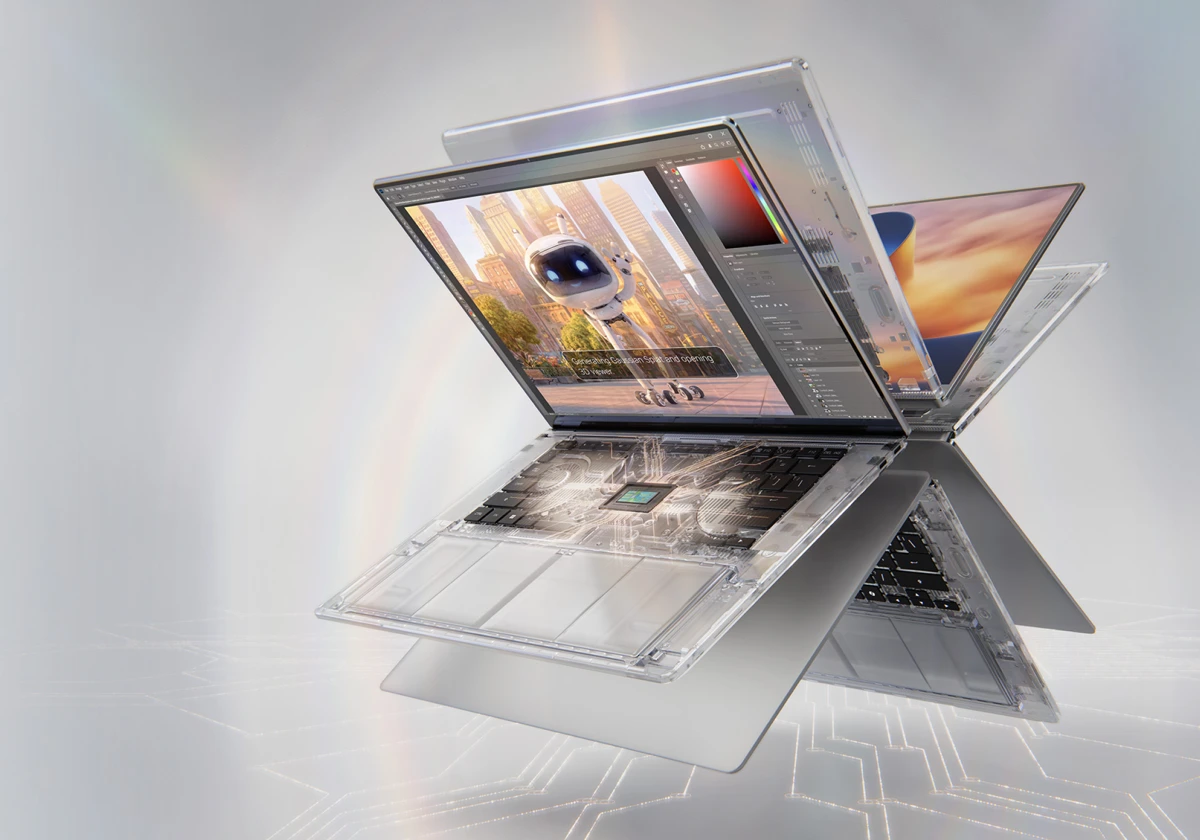
01 / N1X laptops · RTX Spark
Run demanding apps side-by-side through extreme workflows. With an NVIDIA Blackwell RTX GPU, NVIDIA Grace CPU, up to 128 GB of unified memory, and 1 Petaflop FP4 AI Performance, NVIDIA RTX Spark is built for multitasking at scale.
NVIDIA platform maximums; specifications and application support vary by model. FP4 AI performance is theoretical using sparsity.
Shop N1X Laptops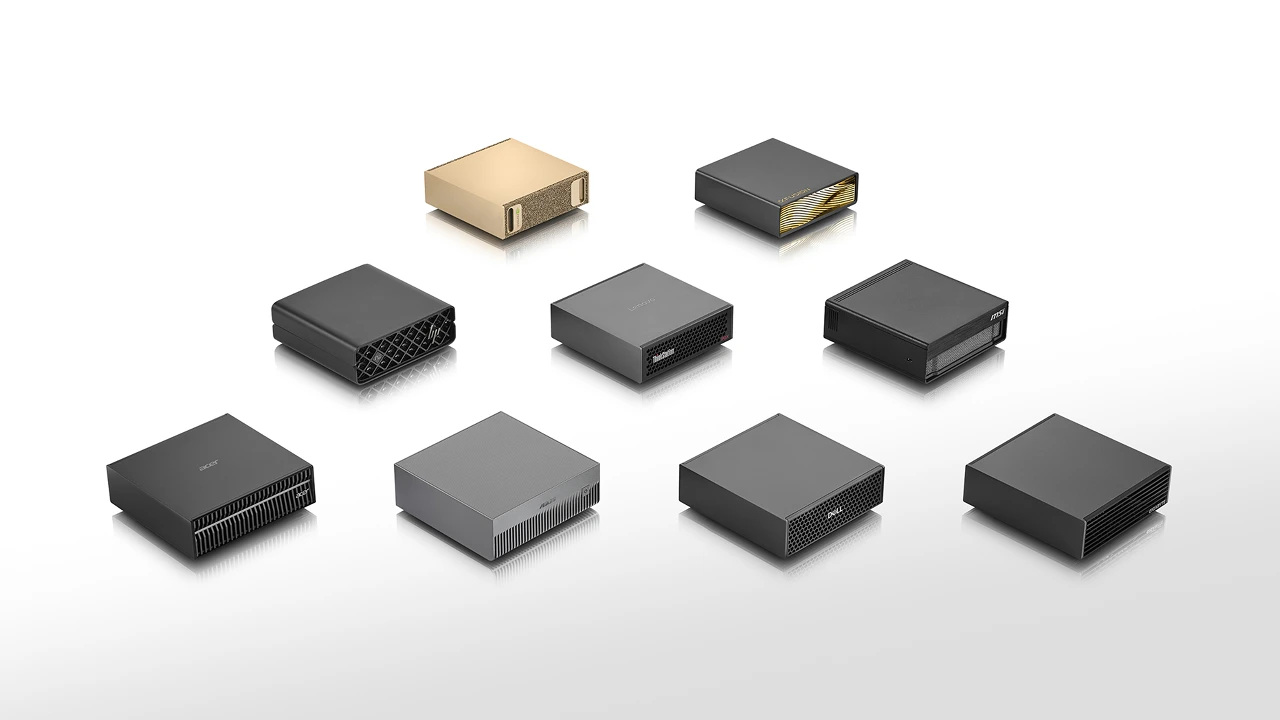
02 / GB10 desktop systems
A desktop platform for local AI models, autonomous agents, prototyping, fine-tuning and data science. NVIDIA Grace Blackwell brings large unified memory and the NVIDIA AI software ecosystem to the desk.
NVIDIA DGX Spark reference-platform specifications. FP4 figure is theoretical using sparsity; selected OEM configurations and included components vary.
Shop GB10 SystemsGB10 / room to grow
Start with one GB10 desktop. Consider connected systems when a supported model or project needs more capacity.
See single-, two- and four-system reference configurations on the desktop page.
Compare configurations →Why VRS Computing?
Choosing local AI hardware shouldn’t mean decoding a wall of specifications. Tell us what you want to create, build or run, and your budget. We’ll help you compare the available options and understand the differences that matter.
Hardware is supplied by VRS Computing and dispatched directly by our distributor in the manufacturer’s standard configuration. See delivery, returns and warranty information.
Supplied in the manufacturer’s standard configuration. You complete initial setup and updates, then install your chosen applications and models.
Practical local AI
A RTX 5070 Ti with 16 GB of VRAM can run Qwen3.5 9B through Ollama with Hermes for routine local automation. It can then handle background processing, scheduled checks, document summaries and structured notes.
A GB10 AI computer with 128 GB of unified memory can run Qwen3-Coder 30B for coding and development, or Gemma 4 31B for writing, document work and visual assistance.
Use Hermes with a local model to process recurring tasks, run scheduled checks and organise information.
Work through repository files, draft code changes, generate tests and explain errors with a local coding assistant.
Summarise selected documents, extract key points and turn source material into useful drafts and structured notes.
We document our builds, practical AI workflows and lessons learned at Hard Interference — explore our guides and real-world tests ↗.
Tell us whether you want a GB10 desktop or an N1X laptop, what you want to run and your budget. We can discuss the right configuration and next steps.
Enquire via email